The practical answer
A restaurant website should make five things easy to find: a current menu, the dining experience, opening hours, precise location details, and the right reservation or ordering action.
Design around the questions diners ask first
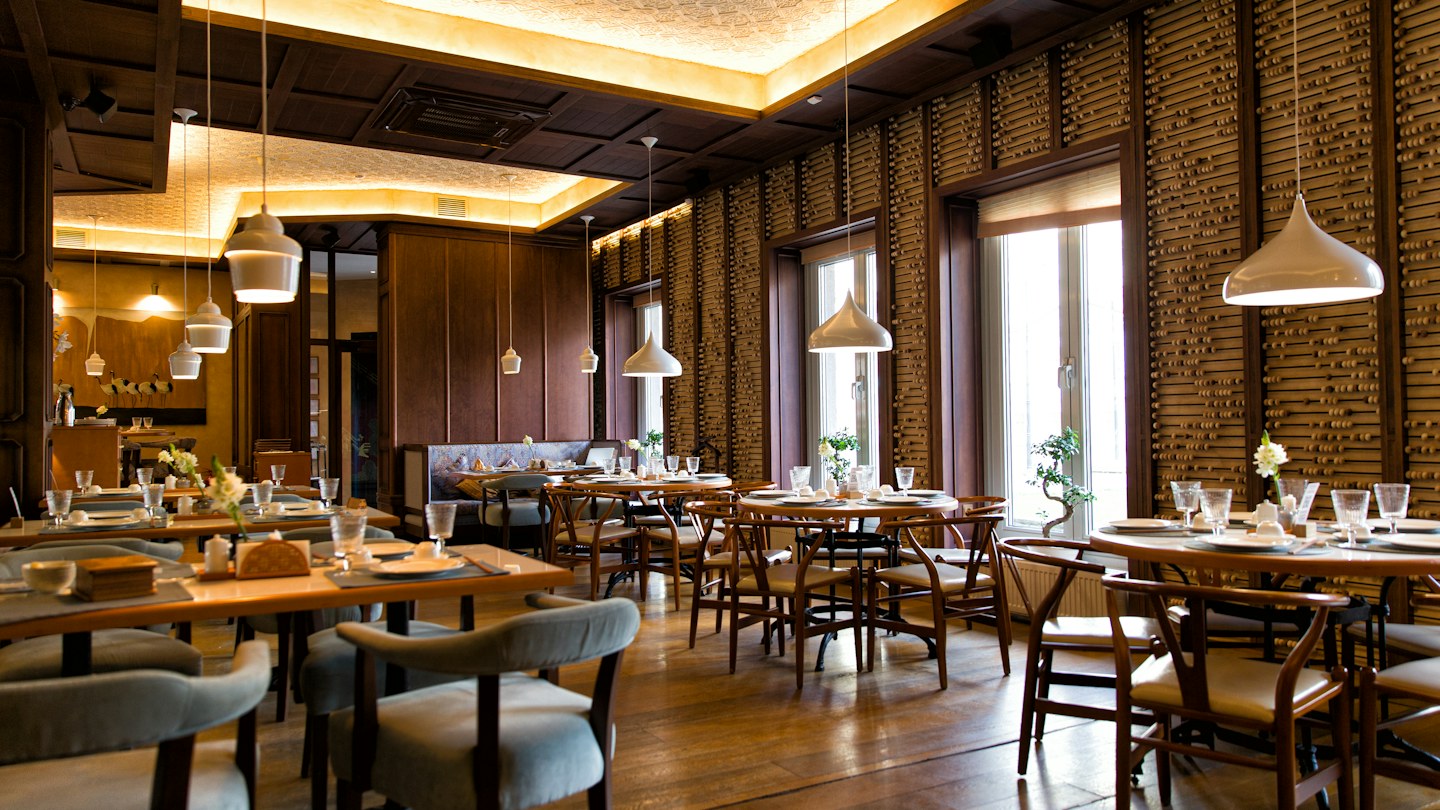
Someone discovering your restaurant may be choosing a date-night spot, planning a family meal, or finding somewhere to eat before an event. Your homepage should quickly explain the cuisine and atmosphere using real photographs and concise language. Let diners see the food, understand the price range from the menu, and decide whether the setting fits their occasion.
For a restaurant serving visitors before a Hollywood Bowl performance, useful content could explain the actual dining hours and reservation policy. Only describe that relationship if your location makes it relevant. Link to the venue’s official website for event information instead of copying schedules you may not keep updated.
Give the menu a proper place on the website
Publish menu items and prices as readable website text. A downloadable PDF can be a second option, but it should not be the only way to learn what you serve. Organize long menus into meaningful categories and keep seasonal changes synchronized across your site and ordering provider.
Describe specialties in language customers understand. Explain ingredients, portion context, and preparation where useful, without inventing a story for every dish. If you publish dietary labels, have the kitchen verify them and give guests a clear way to ask about ingredients.
Treat menu maintenance as an operating task
- Choose who updates dishes, prices, and sold-out items.
- Check that dine-in, takeout, and delivery menus are clearly distinguished.
- Use original food photos with accurate descriptions.
- Link from a signature dish or menu category to the appropriate order or reservation action.
Make reservations and ordering distinct
A visitor who wants a table should not land in a delivery checkout. Label actions by purpose: Reserve a table, Order pickup, or Ask about private dining. Test each provider link on a phone and make any change of website understandable. If you do not accept reservations, say so and explain the walk-in process.
Private dining deserves its own information when it is a real offering. Include capacity, the type of occasions you accommodate, and an inquiry form that reaches the right person. Ask for the date, approximate guest count, and contact details rather than requesting a full event plan before the conversation begins.
Help people arrive without guesswork
Los Angeles location details should be practical. State the street address and neighborhood, identify the correct entrance, and explain only the parking options you can verify. A Koreatown restaurant with an entrance inside a courtyard should describe that entrance rather than expecting the map pin to do all the work.
Keep hours current, including kitchen closing times if different. Use a clear call link for questions and a directions link to the correct destination. My local search guide explains how the website and Business Profile should support one another.
Check the whole visit on a phone
Start with a search result, open the menu, inspect a dish, find the location, and reserve or order. Repeat the task with a slower connection and without using a mouse. My responsive design checklist can help you find issues before customers do.
I can shape a custom restaurant website around your brand and actual service model. Explore my work, then bring your menu, location details, photography, and booking setup to the first conversation.
Common questions
Does a restaurant need a website if it has Instagram?
A website provides a stable place for menus, hours, location details, and customer actions. Social media can introduce the brand and send visitors to that information.
Should a restaurant menu be a PDF?
Offer an accessible text menu first. A PDF can be useful for printing, but phone users should be able to read dishes and prices without downloading or zooming.
Sources & further reading
Let’s make it happen.
Ready to make your menu, atmosphere, and booking journey work together? Tell me about your restaurant.
Talk to me